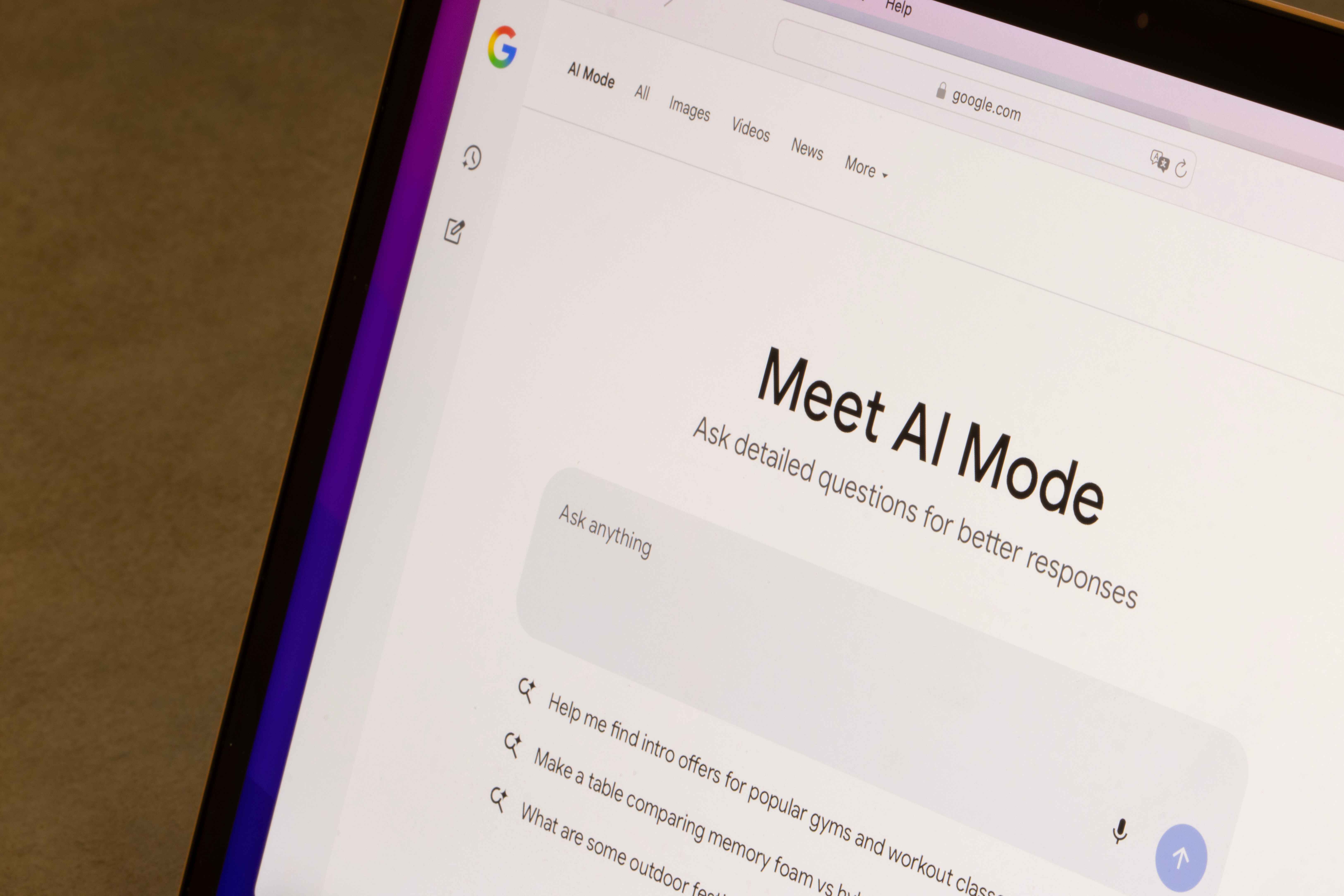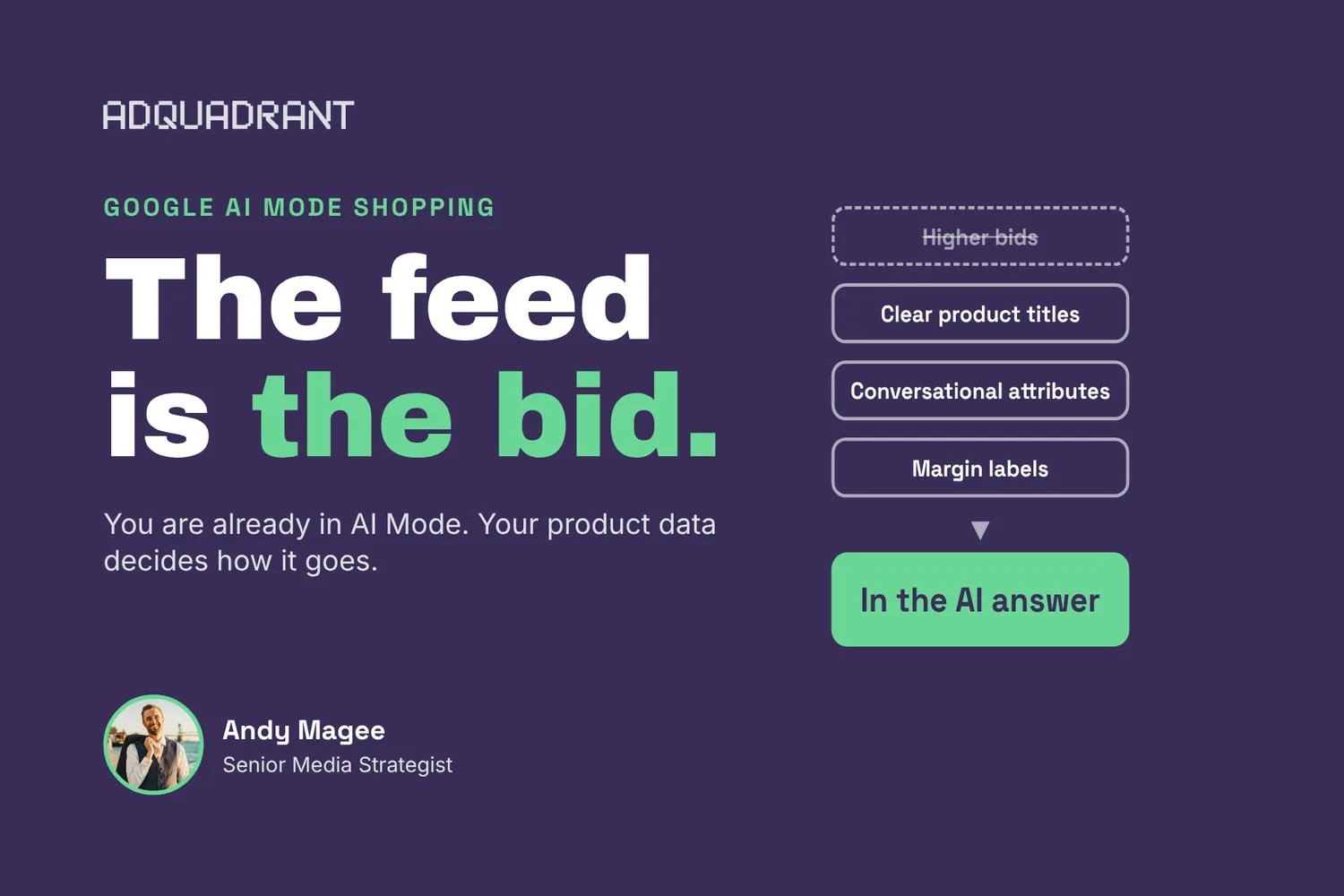

If you run Shopping, Performance Max or AI Max for Search, your products are already eligible for Shopping ads in Google AI Mode, whether you planned for it or not. You can't opt out of AI Mode separately from Search, and there's no AI Mode report to read on its own. So preparing comes down to three things. Fix your product feed, split products by margin, and measure on real purchases and profit.
I manage Google Shopping for DTC brands, and I think the prep work matters way more than the bids here. Below is what AI Mode Shopping ads actually are, what I'd fix first, and how I'd measure them while Google keeps the numbers blended.
What are Shopping ads in Google AI Mode?
They're paid product placements that show up inside Google's AI-generated answers to longer, conversational searches (think "best carry-on for a two-week trip with a laptop" rather than "carry-on bag"). Google matches your products to the question, or to the context of the conversation so far, and writes the answer around them.
Google announced Shopping ads in AI Mode in February 2026, and on October 28, 2026 it expanded ads in AI Mode to ten more countries and added ads on follow-up questions in the US. Your existing Search, Shopping and Performance Max campaigns are eligible automatically. Results get folded into standard campaign reporting, and the queries show up in your search terms report in aggregate, so there's no clean AI Mode line to pull.
Why your product feed matters more than your bids
Google's models read your feed to decide whether your product answers the question. If the title is bare or the attributes are empty, there's nothing for the model to match on, and a higher bid doesn't really fix that.
And feeds break quietly. On an occasion-wear brand, a site rebuild changed every product ID, and a supplemental feed still tied to the old IDs took down a whole Shopping campaign. On a prepared meal brand, new SKUs went live with bare titles, and that campaign bought about 1,400 clicks for one conversion in its first ten days. Neither one threw a big red error. So I'd audit the feed after every site or catalog change, not once a year.
Feed checklist for AI Mode
- Write titles and descriptions in plain language that say what the product is, who it's for and when to use it (materials, fit and use cases help a lot).
- Fill every relevant attribute, including product highlights, and add custom labels for margin tier.
- Fill in Merchant Center's conversational attributes (question and answer, related products, variant options). Google opened them to retailers globally in May 2026 for AI surfaces like AI Mode, and I don't see many brands using them yet. Kind of low-hanging fruit for anyone with a decent catalog.
- Upgrade images with lifestyle shots and scale references, and test them against your originals.
- Connect reviews through a supported review program, and keep Product schema on your pages.
- Keep price and stock synced to the site, since mismatches cause disapprovals right when you need the traffic.
Start with your top revenue products. Fixing 50 SKUs well beats touching 500 lightly.
How should DTC brands structure campaigns for AI Mode?
Segment by margin before anything else. When you can't see AI Mode results on their own (and right now you can't), margin labels are one of the few real levers you have to steer where the money goes. On a baby products brand, we split standard Shopping by product type and AOV band and pulled the low-margin products out, so budget went to the products that could actually afford it.
From there, keep brand separate from non-brand and give your best sellers their own budget. If you're running Performance Max, the same rule applies, since budgets and targets live at the campaign level.
Risks to plan for
- Limited reporting. Google doesn't break AI Mode out on its own, so you'll be reading blended numbers.
- Feed dependence. Weak product data lowers match quality and wastes budget.
- Auction pressure. As more brands' feeds get matched into AI answers, costs can rise.
- Less control over wording. Google writes the answer around your product, not you.
- Changing rules. Formats and eligibility shift often, so I'd review settings monthly.
Checkout is moving inside Google
This is the part I'm watching closest. Merchant Center has been emailing brands that their products are now eligible for native checkout in AI Mode and Gemini, and on Shopify it's switched on by default (you can turn it off under Sales channels). Agentic checkout is already real money for some brands, too. One occasion-wear brand I work with is getting around $6K a month through agentic storefronts on ChatGPT and Shop.
Here's the catch. When someone buys on Google, you're still the seller of record and the order comes through your store, but the shopper never touches your website. So your site pixels (GA4, Meta, Triple Whale) never see that checkout, and Google is kind of grading its own homework. Not a reason to avoid it, just a reason to plan your measurement for it now.
How do you measure Google AI Mode Shopping ads?
POAS (profit on ad spend) is the right goal, but start with clean data. Most brands I work with don't have COGS loaded into Google Ads, and that's okay to start. Here's the order I'd go in.
- Make sure you're optimizing and reading purchase-only conversions, not inflated micro-conversions.
- Keep brand separate, because Performance Max can look amazing just by catching brand searches.
- Check Google-reported sales against your store's order data weekly, which also catches native checkout orders your pixels miss.
- Add margin tiers through custom labels and work toward POAS from there.
- Run an incrementality test on your highest-spend Shopping or Performance Max campaign to see what sales actually go away when you pull back.
How Adquadrant approaches AI Mode Shopping
For the $10M+ brands we work with, we treat the product feed as part of the media plan. Our Google team audits the feed and Merchant Center first (titles, attributes, IDs, sale pricing and supplemental feeds), then structures Shopping and Performance Max around margin before we touch targets.
Feed tests are where we see the clearest wins. Pier 1's ornament collection was running on plain white product images, like the rest of the category. Our team tested AI-generated seasonal backgrounds built in Merchant Center against the originals and changed nothing else. Click-through rose 81% while return on ad spend and cost per acquisition held flat.

Because AI Mode doesn't get its own report, we judge Shopping on purchases and incremental revenue, not platform credit. As a WorkMagic Official Agency Partner, we run lift tests that show what Google added on top of what a brand would have sold anyway, and we check Google's numbers against store orders so native checkout doesn't slip through.
How to choose a partner for Google Shopping in AI Mode
- They audit your feed and Merchant Center after every site or catalog change, not once a year.
- They know Merchant Center's conversational attributes and are already filling them in.
- They segment Shopping and Performance Max by margin with custom labels.
- They optimize to purchase-only conversions and keep brand separate.
- They have a plan for native checkout in your measurement.
- They test feed changes one variable at a time.
- They measure on incrementality and profit, not platform ROAS alone.
If you want a second set of eyes on your feed before AI Mode traffic grows, talk to the Adquadrant Google team.
About the author
Andy lives in Wilmington, NC with his wife and their five pets (two dogs and three cats). He graduated from Marist University in 2014 with a degree in mathematics. He is passionate about helping others and leveraging analytics to solve problems. Outside of work, he enjoys running, ultimate frisbee, triathlon training, and live music.